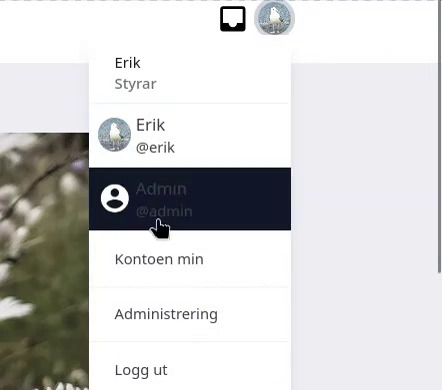
After I upgraded to 5.2.1-beta1 all menu texts are invisible before mouse-over. Is this a problem on my end only? If not, I hope it will be fixed soon. My site is https://gjer.no/
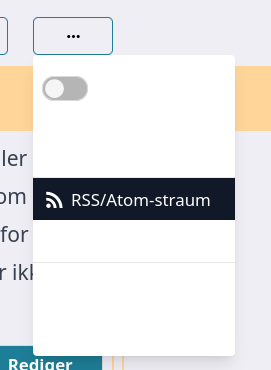
Looking at the Matrix chat, apparently I’m not the only one who has this problem. I also noticed some other UI faults that make the site worse to use. So I downgraded to 5.2.0.
Hello!
I just see your message now.
It looks like you’re on the group page when taking this screenshot? I don’t have the same issue on the test instance which has the latest version –>https://tests.keskonfai.fr/
I recognize what you are describing as being one of the issue we had due to component update, that we have now fixed.
Either we are not talking about the same version or we have some issues left that I’m really keen to find so we can fix them!
Can you help finding out somehow?
And what were the other UI issues you found?
We had found a big issue with picture upload, and a minor one regarding tickboxes. Have you experienced other regressions?
Thanks for your feedbacks.
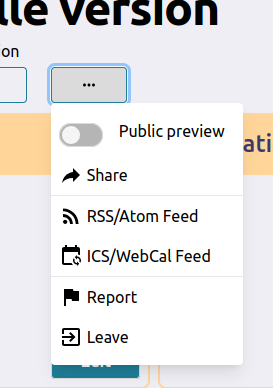
The version I installed was mobilizon_5.2.1-beta1_debian-bookworm_amd64.tar.gz
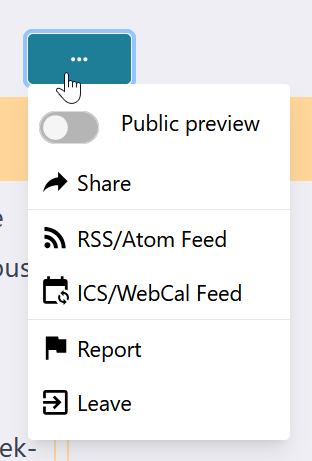
Yes, the screenshot is from the group page, but all other menus were also like this. If you look at the Matrix chat, someone posted similar screenshots on Tuesday: “Problem in fonts when searching for location (light mode theme)” and “Problem in Action menu on event the fonts are not appearing”, using the same version.
The other UI issue I discovered was that the “leave group” button on /groups/me came outside the screen. But when I’m thinking of it now, maybe I just thought that was the reason, and that the real reason was that the text was not visible.
I’d like to help out, but I’m not sure how just now. At some point I want to have a testing enviroment up and running, locally or othervise. I’m not very keen on upgrading my server, but since you don’t experience the same problems on your test instance, maybe I should anyway.
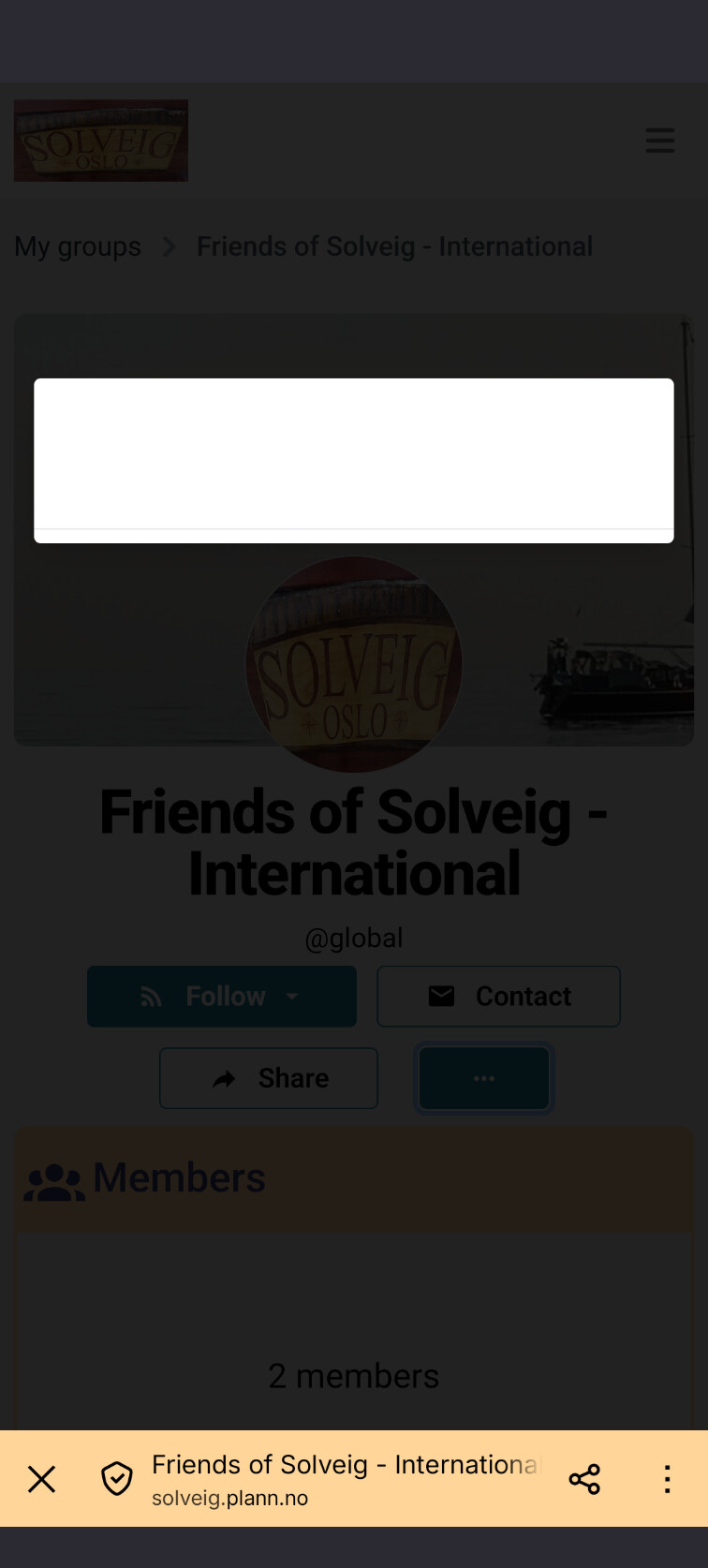
This is getting rather annoying. It’s the second time I upgrade – this time, to the stable version 5.2.2. — where I have to downgrade again because of this UI error.
The group menu looks the same:
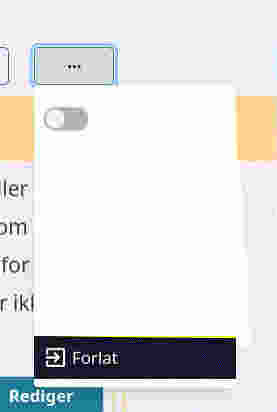
For the user menu, you now can see the text, but the mouse over colors aren’t exactly good
I hope that, if this isn’t fixed in the next release, it can be mentioned in the release note, so that we who experience the problem can skip the upgrade.
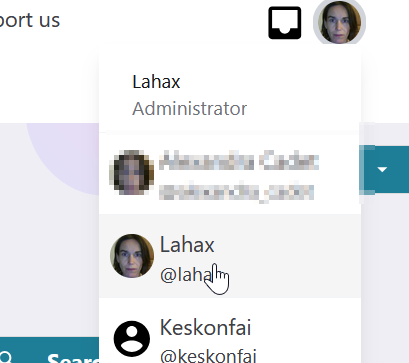
The instance is gjer.no, but as I said, I have downgraded, back to 5.2.0, since I won’t leave it like that.
I checked several instances that are in 5.2.2 and I don’t see issues on their instance.
If you go to https://keskonfai.fr/, does it look OK from your side?
https://keskonfai.fr/ looks fine, and it also looked fine when it used the beta version. Maybe I’m mistaken, but as far as I remember, this only is a problem using « light mode ».
Seems to be an issue when the system preference is Dark mode. I’m using this workaround while waiting for an upstream fix:
config :mobilizon, :html_hooks,
app_index_html_head_last:
"<style>html:not(.dark) > body { --oruga-dropdown-item-color: black; }</style>"
config :mobilizon, :http_security,
csp_policy: [style_src: ["'unsafe-inline'", "unsafe-inline"], style_src_elem: ["unsafe-inline"]]
Thanks!
It’s a regression due to a component update, we had identified and fixed the behavior in light mode but missed the dark mode issue.
We’ll try to fix it soon, it’s in the git now: Display issue (#1940) · Issues · Kaihuri / Mobilizon · GitLab